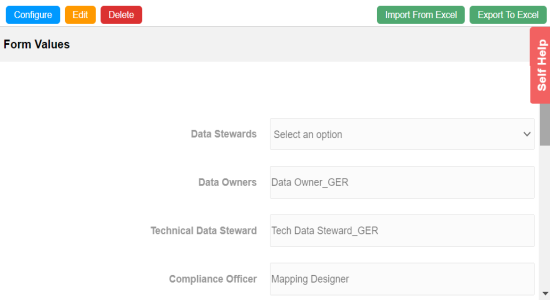
You can import user-defined properties for technical assets from an XLSX file. You can either use an existing XLSX file or download an extended properties file from the Extended Properties tab. Ensure that the XLSX file follows the correct template.
To import extended properties from XLSX files, follow these steps:
- On the Extended Properties tab, click Import From Excel.
- Click Choose File.
- Browse and select the XLSX file.
- Click
 .
. - Double-click the Select Column To Import cell in the required column.
- Select an appropriate option.
- Click .
The Upload Excel page appears.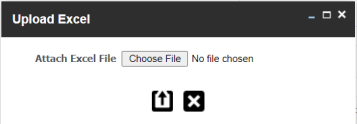
The Upload Excel page appears. It displays the data in the XLSX file.
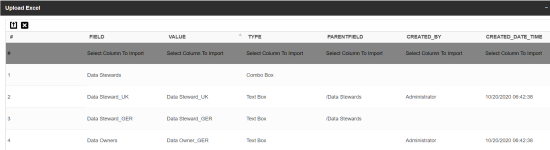
The available options appear.
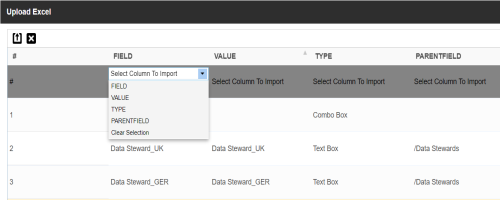
For example, if you select Field, then the selected column is imported as Field.
Similarly, you can also select the Value, Type, and Parentfield columns. Ensure that you at least select a Field column.
The extended properties are imported.